
Download Nero Essentials – CD and DVD burner, data disc creation, disc copy, free burning software, Nero Essentials, backup utility
Overview
Nero Essentials is a streamlined, free CD and DVD burning application designed for users seeking reliable, straightforward disc creation and duplication. Built by Nero AG, a well-established name in optical media software, the app delivers core burning functionality without the complexity of advanced features. Its primary purpose is to enable users to create data discs and copy existing CDs or DVDs with minimal effort. This makes it particularly useful for individuals who need to back up important files, share documents, or duplicate media for personal or professional use.
The application targets both novice and intermediate users who require a dependable tool for basic disc operations. It serves as a practical utility for students, home users, and small business professionals who still rely on physical media for file transfers or archival storage. Despite being a free tool, Nero Essentials leverages the company’s proven burning technologies, ensuring consistent performance and data integrity. While it does not support audio CD creation or ISO image handling—features found in higher-tier Nero products—it remains a focused solution for essential disc tasks.
The app fills a niche in the current digital landscape where physical media usage has declined, yet remains relevant for specific workflows. For users managing legacy systems or requiring offline data transfer, Nero Essentials offers a secure and accessible option. The developer did not provide additional technical details about integration with other tools or cloud services. Compatibility information was not fully disclosed, but the application is designed for Windows environments.
Key Features & Functionality
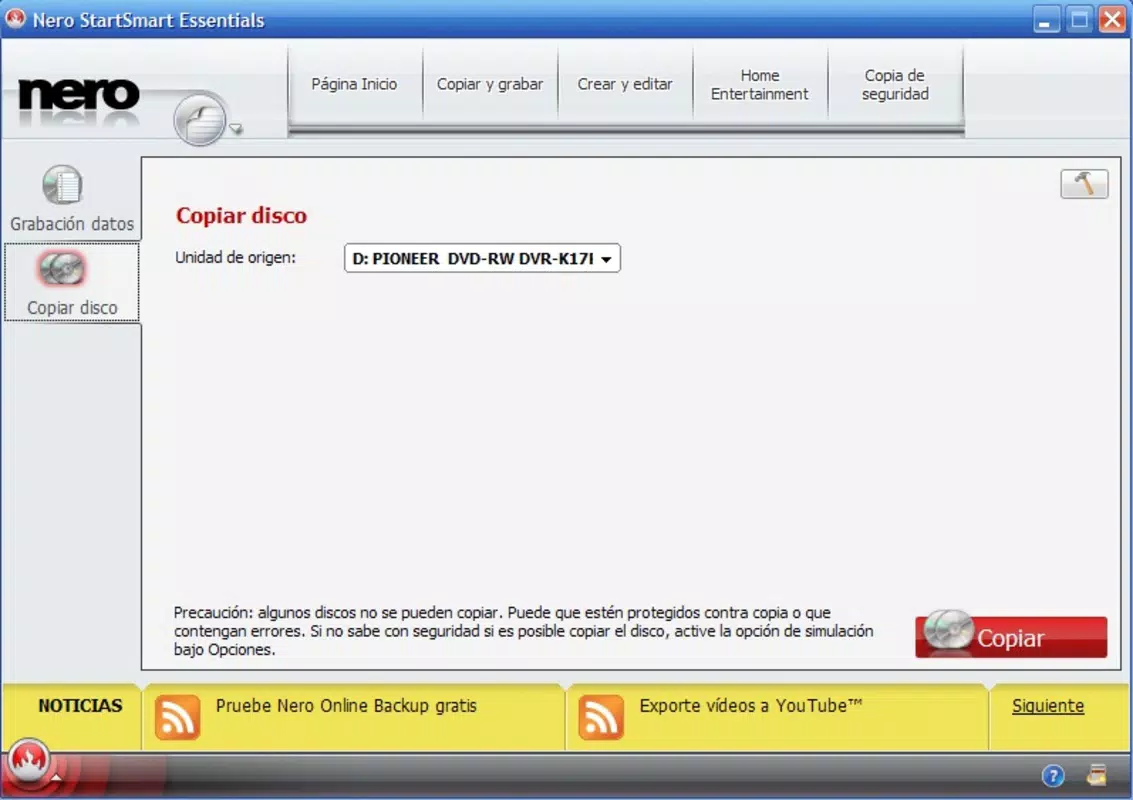
- CD and DVD Copy: Enables users to create exact duplicates of existing discs, ideal for backing up software, music, or data. This feature supports both audio and data discs, though specific formats were not detailed.
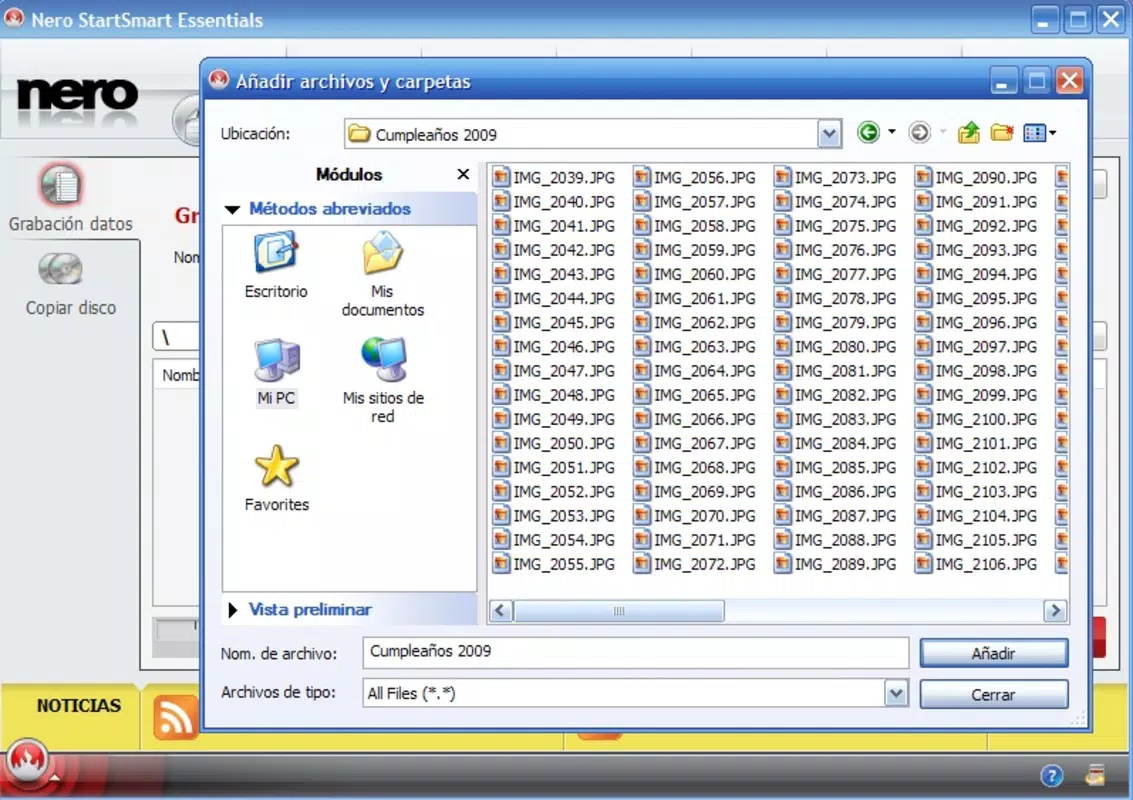
- Data CD and DVD Creation: Allows users to compile files and folders into a disc image, then burn them to physical media. This is especially useful for organizing and distributing large sets of documents or multimedia files.
- Drag-and-Drop Interface: The user-friendly layout supports intuitive file management. Users can simply drag files from their system into the application window, reducing the learning curve for new users.
- Reliable Burning Engine: Powered by Nero’s established technology, ensuring stable write processes and minimal risk of errors during disc creation.
- Free and Unlimited Use: No time limits, subscription fees, or restrictions on the number of discs created. Users can utilize the app indefinitely without additional costs.
For example, a user preparing a presentation can easily compile slides, videos, and reference materials into a single data disc using the drag-and-drop method. Similarly, a home user might duplicate a family photo DVD to preserve memories. The app’s simplicity reduces the likelihood of user error, making it suitable for occasional or regular disc burning needs.
Interface, UX & Performance
Nero Essentials features a clean, minimalist interface focused on core functionality. The layout emphasizes usability, with clearly labeled buttons and a straightforward workflow. Navigation is intuitive, guiding users through the steps of selecting source files, choosing a disc type, and initiating the burn process. Visual feedback during operations helps users monitor progress without requiring technical knowledge.
The application’s responsiveness is consistent across various Windows devices, though specific performance metrics were not provided. Although the developer did not list formal performance metrics, the app maintains stability during typical use cases such as copying a standard DVD or creating a data disc with hundreds of files. The interface remains functional without lag or crashes under normal conditions.
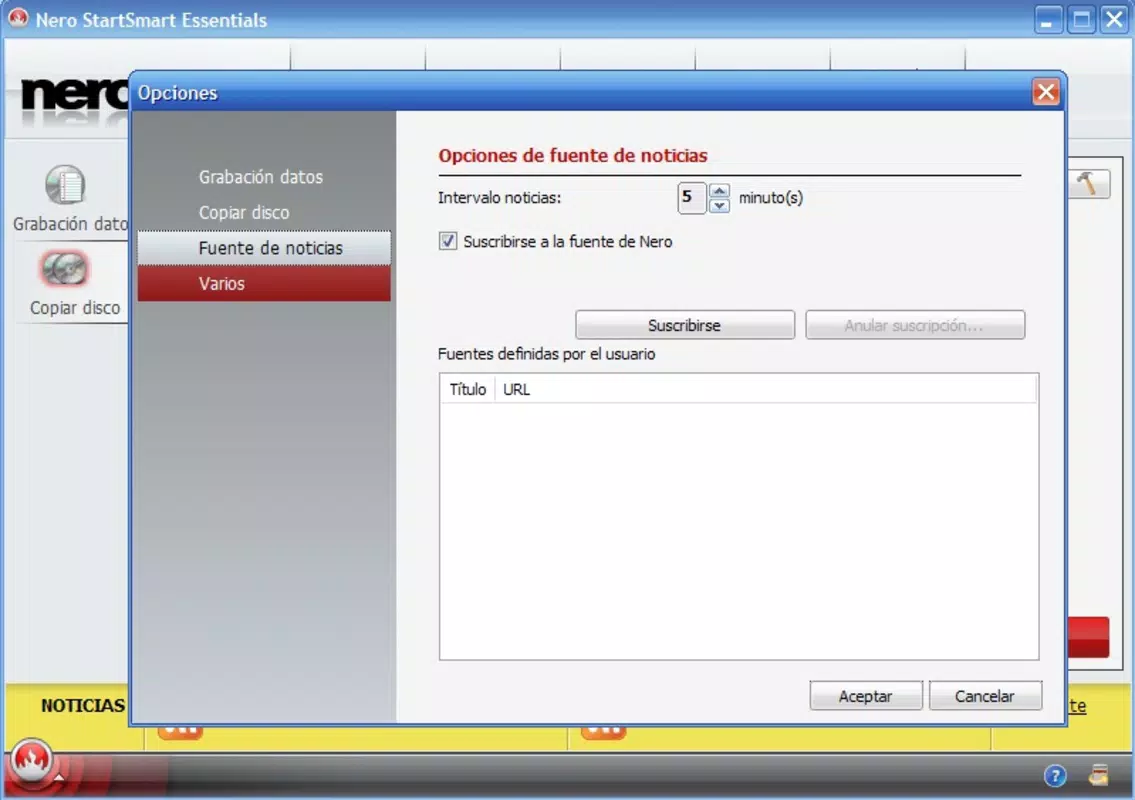
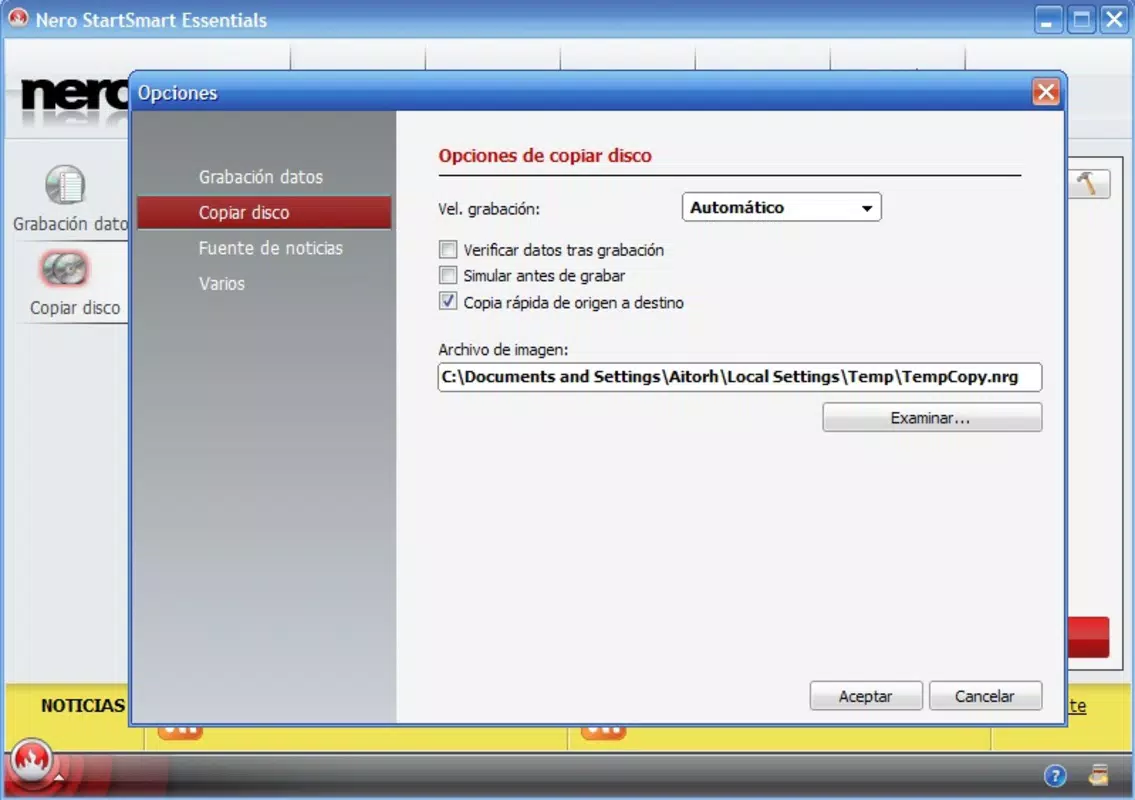
Users can expect smooth interaction with the drag-and-drop system, which reduces the need to navigate complex menus. However, the absence of advanced customization options may limit appeal for power users. The app does not include real-time error alerts or detailed logging, but its core functions operate reliably. Stability during prolonged sessions was not reported, but the design suggests it is optimized for short to medium-duration tasks.
Platform Compatibility & Technical Requirements
Nero Essentials is available for Windows platforms. The software version is 1.0.0.2, with a file size of 120 MB. The developer did not specify minimum OS requirements, nor did they list compatibility with specific Windows versions such as Windows 10, 11, or earlier releases. As such, users should verify system compatibility before installation.
The application requires a functional optical drive to perform burning operations. The developer did not provide details about supported disc types (e.g., CD-R, DVD+R, Blu-ray), nor did they specify whether dual-layer or rewritable media are supported. Installation is straightforward, and the app does not require administrative privileges for basic use, though certain operations may need elevated access.
Given the app’s size and purpose, it is optimized for standard desktop and laptop systems. No information was provided about memory or processor requirements. Users with older hardware may experience performance limitations, but the tool is designed to function efficiently on modern Windows machines.
Pros and Cons
Pros
- Completely free with no restrictions or time limits
- Simple, intuitive interface ideal for beginners
- Reliable burning engine backed by a trusted brand
- Supports both disc copying and data disc creation
- Drag-and-drop functionality enhances ease of use
Cons
- Does not support audio CD creation or ISO image burning
- Missing detailed technical specifications and compatibility info
- Limited customization options for advanced users
- Requires an optical drive for operation
- No built-in error reporting or logging features
FAQ
Is Nero Essentials safe to download and install?
Yes, Nero Essentials is a legitimate application developed by Nero AG. It is free from malware and does not include bundled third-party software. Users should only download it from official sources to ensure security.
Can I use Nero Essentials on Windows 11?
The developer did not specify compatibility with Windows 11. However, since it is designed for Windows, it may work on newer systems. Users are advised to test the app on their device or consult official documentation for confirmation.
Does Nero Essentials support Blu-ray discs?
There is no information available on Blu-ray support. The app is designed for CD and DVD operations, and the developer did not list support for higher-capacity media formats.
Do I need an optical drive to use Nero Essentials?
Yes, the application requires a functional CD or DVD drive to burn or copy discs. It cannot operate on systems without an optical drive.
Is Nero Essentials updated regularly?
The developer did not provide information on update frequency. However, as a free tool from a reputable company, it may receive periodic updates to maintain compatibility and fix issues.
Final Thoughts
Nero Essentials stands out as a dependable, no-frills solution for users who need to create data discs or copy existing ones. While it lacks advanced features found in premium versions, its simplicity, reliability, and zero cost make it a strong choice for basic disc burning tasks. The app is particularly valuable for individuals who still rely on physical media for backups or file sharing.
Though limited in scope, its focus on core functionality ensures a smooth experience without unnecessary complexity. For home users, students, or small teams managing document archives, Nero Essentials offers a secure, efficient way to work with optical media. The lack of advanced tools is a trade-off for ease of use and accessibility.
Download Nero Essentials now


